
Your brand’s templates, filled by your systems.
Designers build templates in the editor. Your software sends the data. Peperossa returns print-ready PDFs and images, on brand every time.


Documents your systems make shouldn’t look like your systems made them.
- Brand teams can’t control the documents their systems generate.
- Developers hand-code layouts that designers can’t touch.
- HTML-to-PDF isn’t made for print. No CMYK, no spot colours, no preflight.
Peperossa splits the work. Designers own the template, systems send the data.
How it works
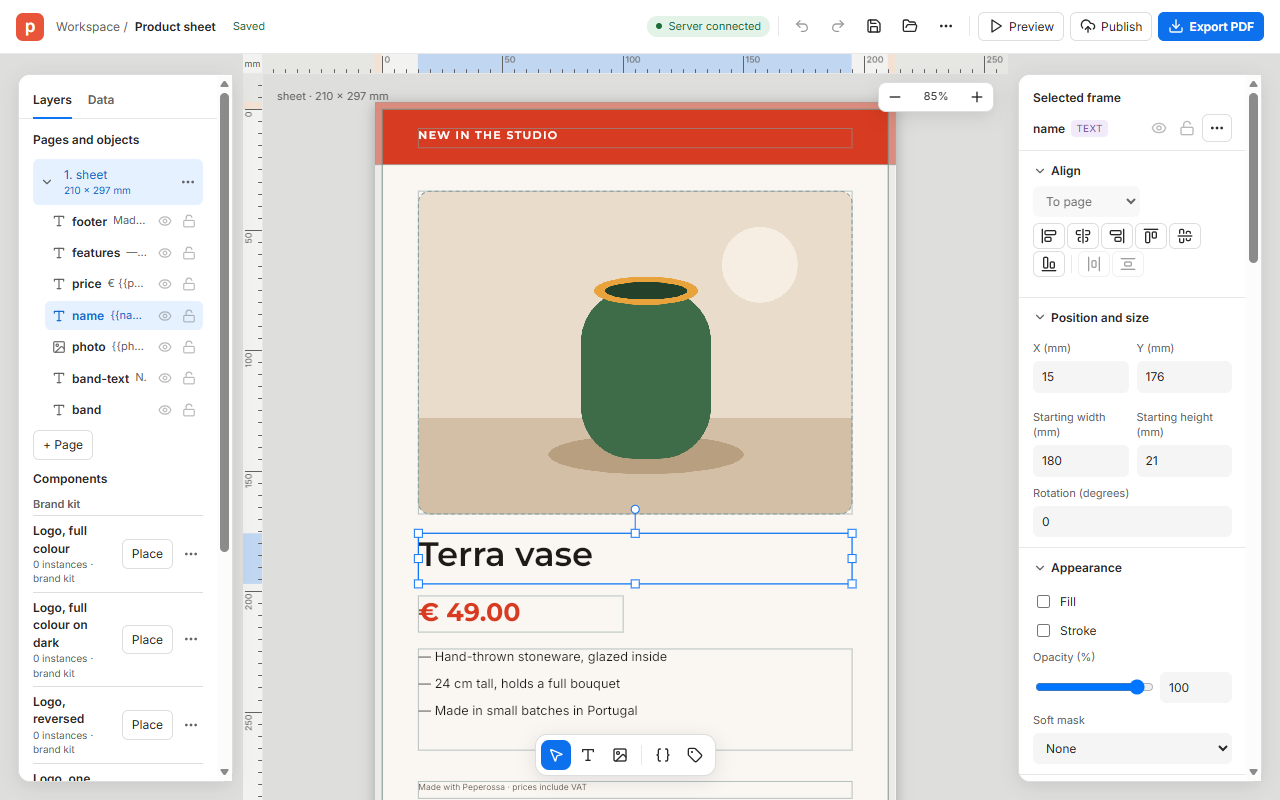
1 Design
Lay out the template in the editor, with your brand kit’s colours and styles. Mark what changes as fields.
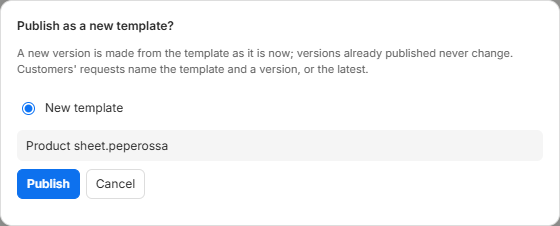
2 Publish
Publish makes a version. Versions never change, so every render of version 3 looks the same.
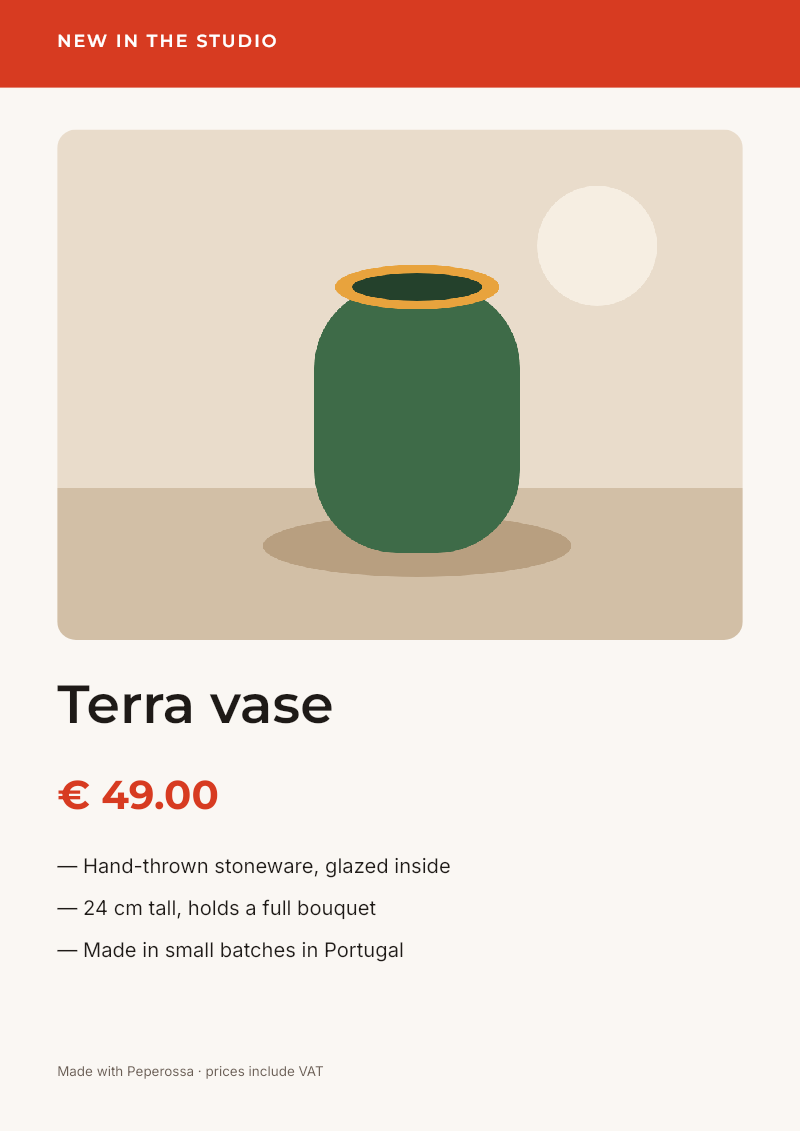
3 Render
Your system sends JSON and gets a PDF or an image back.


Features
Brand kits and governance
Colours, styles, images and components live in a shared kit, each with its usage rule. Change the kit and republish every template that uses it.
Brand kitsCopyfitting and auto-size
Text shrinks to fit its frame, down to a minimum you set. Frames grow with their content and push what follows.
TextTyped fields and batches
Text, number, choice, switch and image fields, checked on every render. Send many records in one batch and get one PDF or a ZIP.
FieldsPrint-grade PDF
CMYK and spot colours, bleed and marks, PDF/X-4 with preflight. The same output every time.
Print outputAI authoring through MCP
An assistant builds and edits templates through Peperossa’s MCP server, and checks its own layout.
Authoring with AIManaged or self-hosted
Use the managed service, or run Peperossa on your own servers with Docker and PostgreSQL.
Install
For developers
One HTTP API to publish templates and render them. Send the values as JSON; get a PDF back.
curl -H "Authorization: Bearer $PEPEROSSA_KEY" -H "Content-Type: application/json" \
  -H "Accept: application/pdf" -o terra-vase.pdf \
  -d '{"values": {
        "name": "Terra vase", "price": 49,
        "photo": "resource:showcase/vase.png",
        "feature1": "Hand-thrown stoneware, glazed inside",
        "feature2": "24 cm tall, holds a full bouquet",
        "feature3": "Made in small batches in Portugal"}}' \
"$PEPEROSSA_URL/v1/templates/tpl_9fK2mQ7rLx4VbN1s/versions/latest/render"200 OK · application/pdf · PDF/X-4, 1 A4 page, Peperossa Red as a spot colour

Early access
Early access opens soon.